- Upload C++test to a directory on the headless Linux host, e.g.:
scp ./cpptest_9.4.0.36_linux.tar.gz [email protected]:/tmp/cpptest/cpptest_9.4.0.36_linux.tar.gz - Log into the headleass Linux host and navigate to the directory where C++test should be installed, e.g.:
ssh [email protected]cd /tmp/cpptest - Unpack and launch the default C++test installer, e.g.
tar xfz cpptest_9.4.0.36_linux.tar.gz./cpptest_9.4.0.36_linux.sh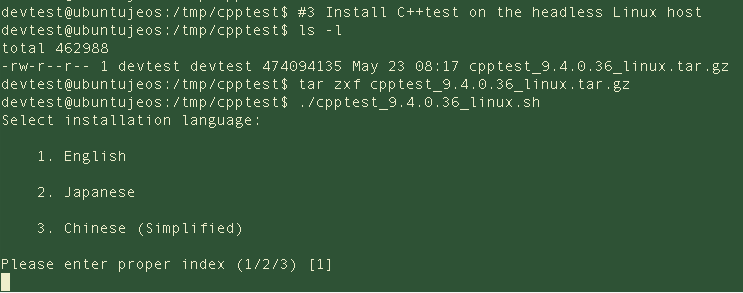
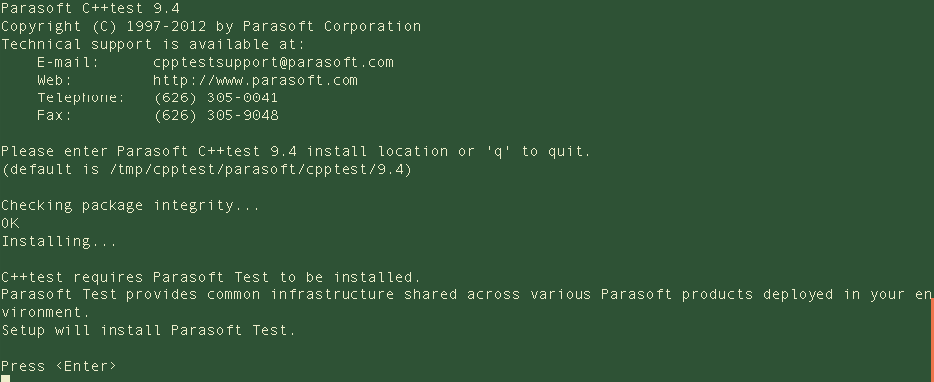
- Accept the defaults when prompted (recommended) or modify as needed. C++test and Parasoft Test will be installed:
Setting Up the C++test License
The license can be set as either a local license or through a license server.
Local License
- Obtain the machine ID. You can run a simple command to accomplish this task, e.g.
cd /tmp/cpptest/parasoft/cpptest/9.4./cpptestcli -data ./workspace -config "builtin://Effective C++"
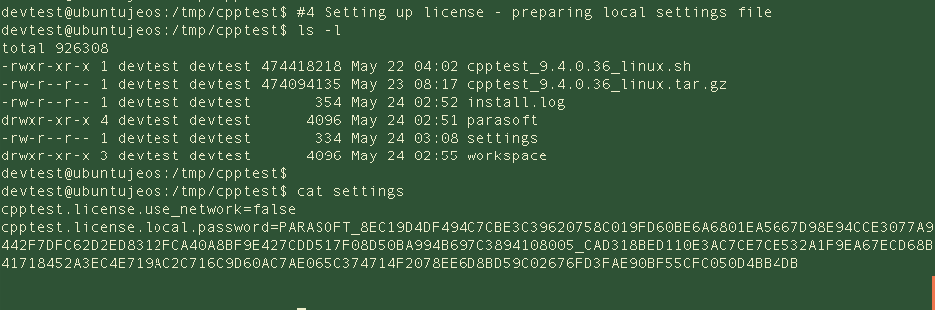
- Create a settings file with license settings:
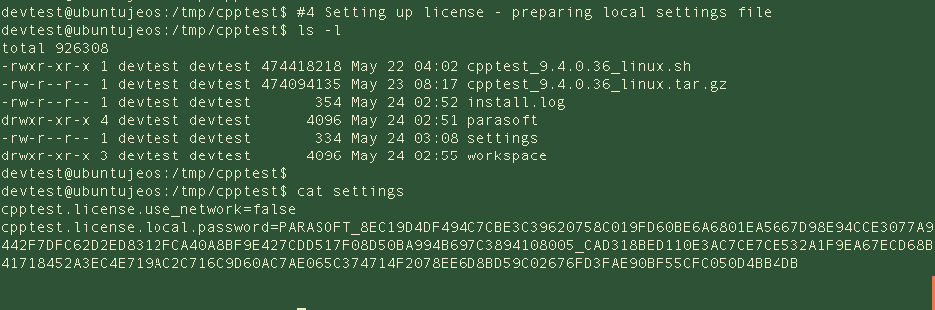
License Server
- Configure the settings file with license properties:
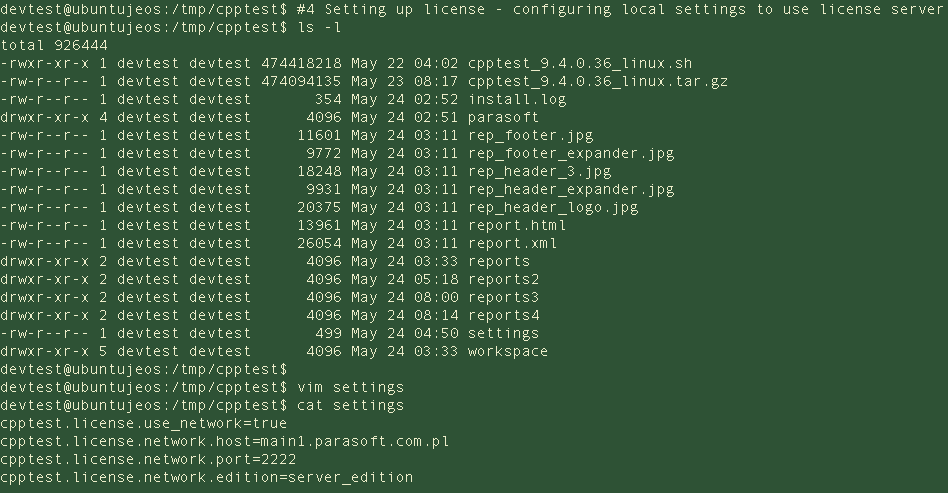
Testing Headless Installation
- Prepare sample project for testing, e.g.:
cd /tmp/cpptest/parasoft/cpptest/9.4/examples/ATMmake CC=”../../cpptestscan g++”cd /tmp/cpptest/parasoft/cpptest/9.4./cpptestcli -data /tmp/cpptest/workspace -bdf ./examples/ATM/cpptestscan.bdf -settings /tmp/cpptest/settings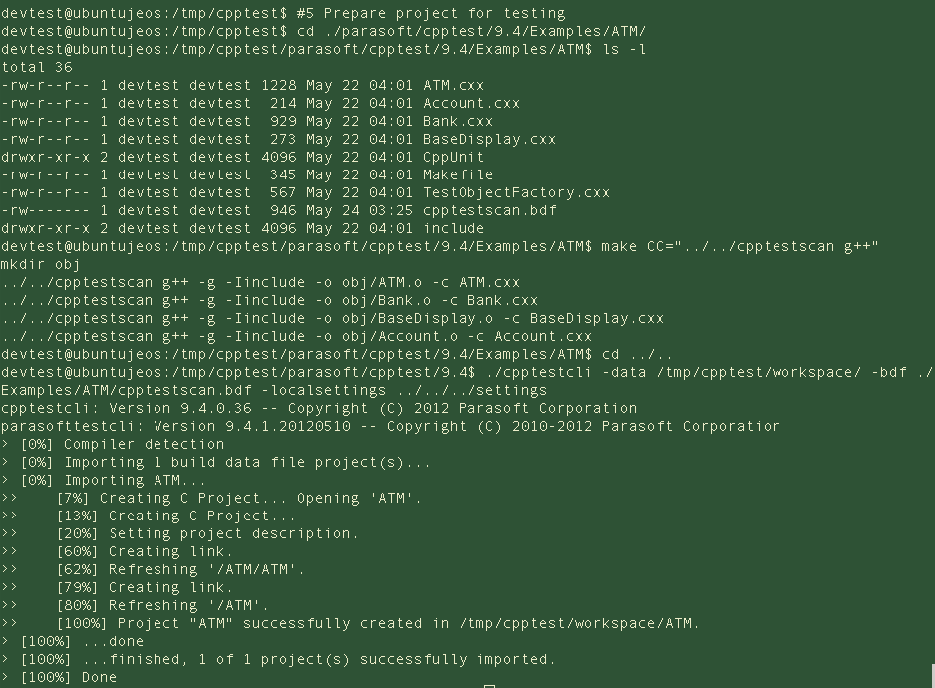
- Execute Coding Standards run of C++test CLI, e.g.:
cd /tmp/cpptest/parasoft/cpptest/9.4./cpptestcli -data /tmp/cpptest/workspace -config "builtin://Effective C++" -report /tmp/cpptest/reports -settings/tmp/cpptest/settings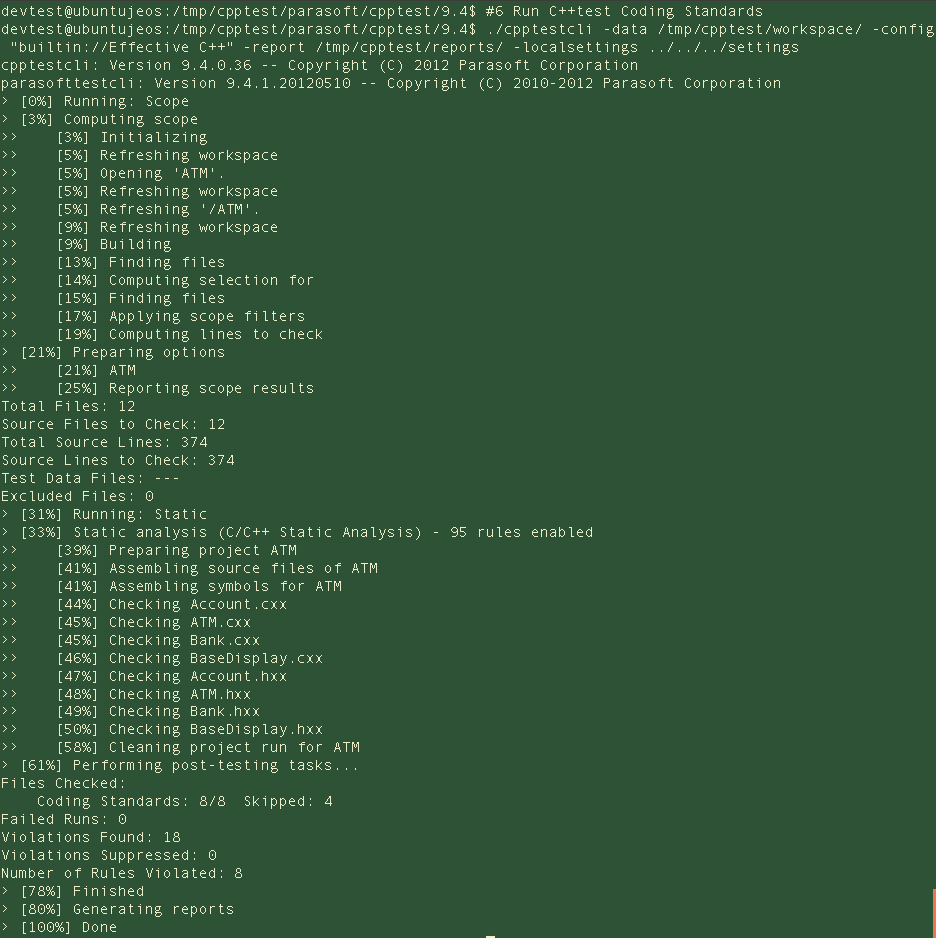
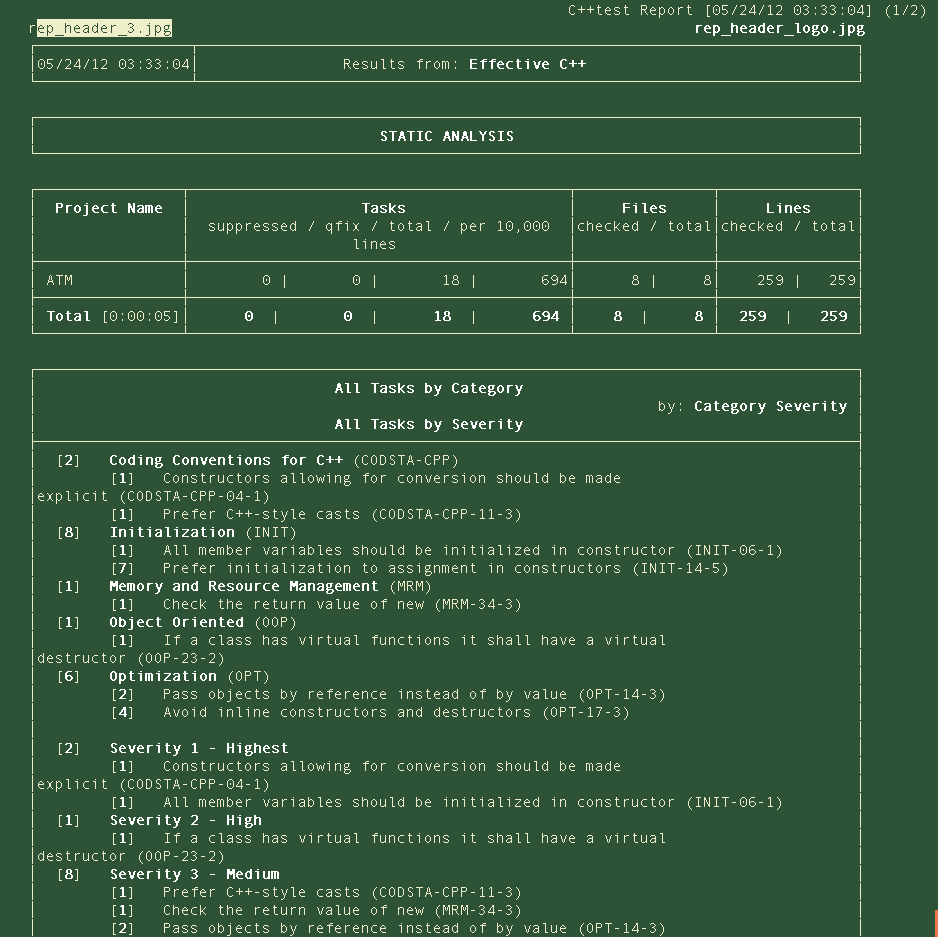
- When the test finishes, generate a test report, e.g.:
cd /tmp/cpptest/reportselinks ./report.html