Introduction
Agent2Agent (A2A) is an open protocol enabling communication and interoperability between opaque agentic applications. Parasoft SOAtest is well-suited for testing A2A with its built-in JSON processing tools, LLM integration, and extensions for a wide array of underlying transports.
A2A Test Scenario Example
The following example illustrates how to create an A2A test scenario in SOAtest:
- Create a new .tst and an environment with the URL to your Agent Card.
- The Agent Card functions as a public, machine-readable JSON metadata document, serving as an agent’s digital “business card” and advertising its identity and capabilities to potential clients.
- It is typically published at a well-known URI, often
/.well-known/agent-card.json. - The Agent Card is crucial for enabling agents to find and understand how to interact with one another.

- Create a REST Client as a Set-up Test to GET the Agent Card using the environment variable
${AGENT_CARD}for the resource.- Run the test once, then attach a JSON Data Bank to the Response Traffic and extract the
urlproperty to a custom column namedBASE_URL. - Use XPath:
/root/url[1]/text()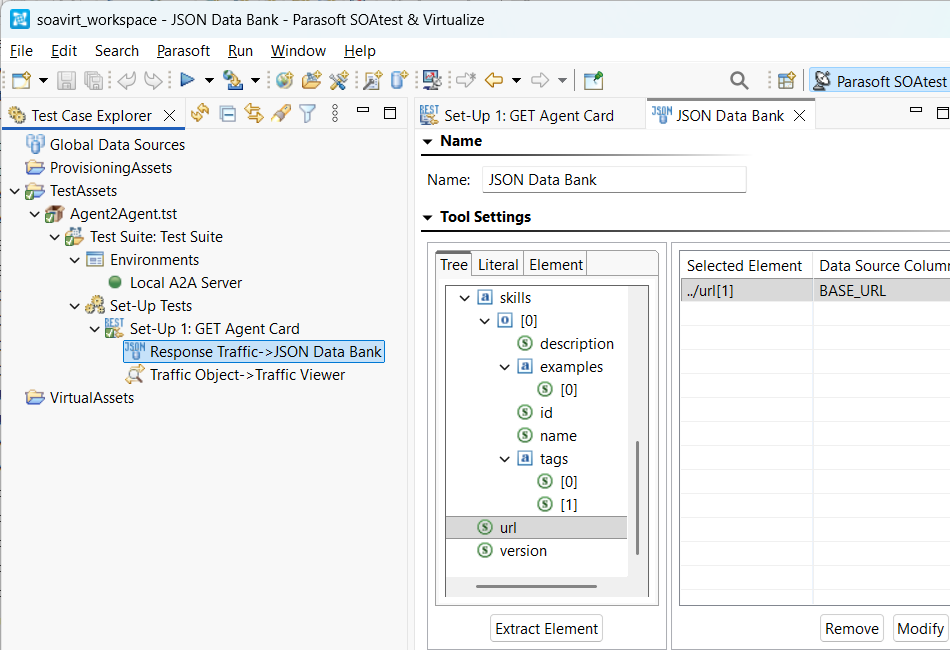
- Run the test once, then attach a JSON Data Bank to the Response Traffic and extract the
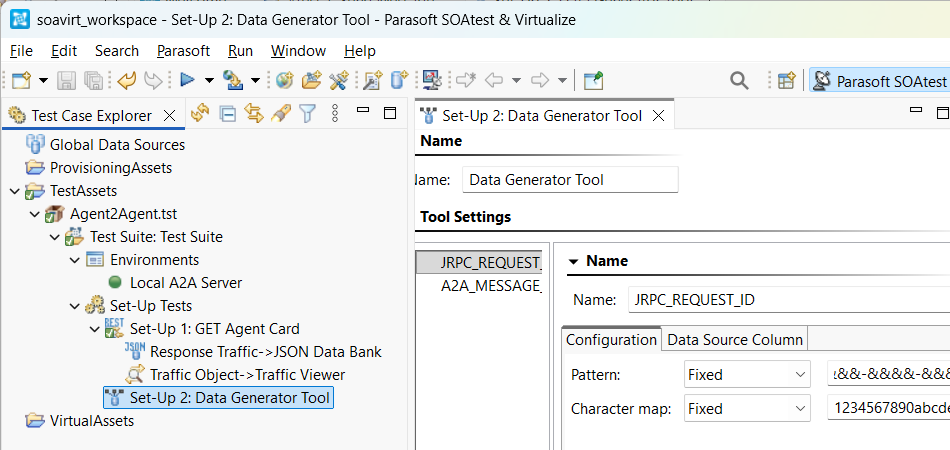
- Create a Data Generator Tool as another Set-up Test to generate two random, unique ID Strings for
JRPC_REQUEST_IDandA2A_MESSAGE_ID.- Use Pattern: &&&&&&&&-&&&&-&&&&-&&&&-&&&&&&&&&&&& for
JRPC_REQUEST_ID. - Use Pattern: &&&&&&&&&&&&&&&&&&&&&&&&&&&&&&&& for
A2A_MESSAGE_ID. - Use Character map:
1234567890abcdeffor both. - Be sure to configure the corresponding Data Source Column for each String.
- Use Pattern: &&&&&&&&-&&&&-&&&&-&&&&-&&&&&&&&&&&& for
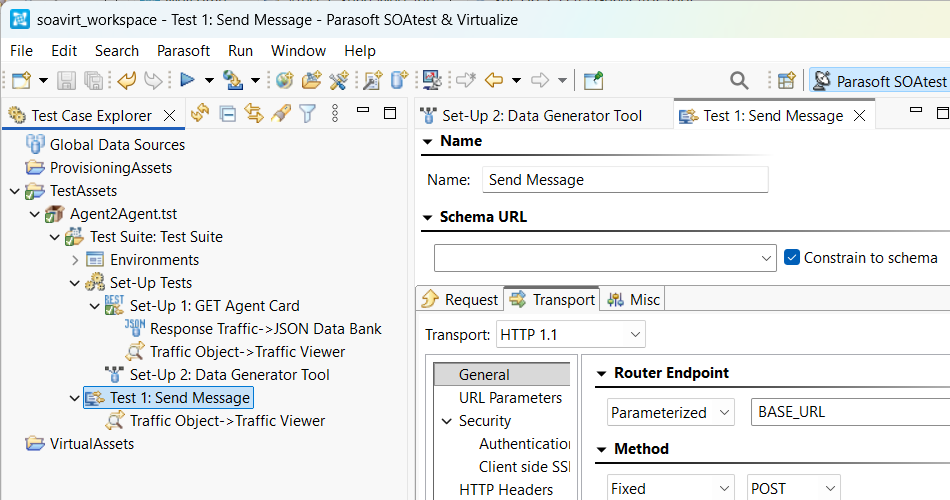
- Create a Messaging Client as a Standard Test to send a message to the agent.
- Configure the Transport tab with HTTP/1.1 so that it will POST to Router endpoint:
${BASE_URL}. - Alternatively, if your A2A server is using gRPC then install the gRPC extensions from the Parasoft Marketplace and configure the Messaging Client to use gRPC transport. See gRPC Extensions and Protobuf Extension for more information.
- Configure the Transport tab with HTTP/1.1 so that it will POST to Router endpoint:
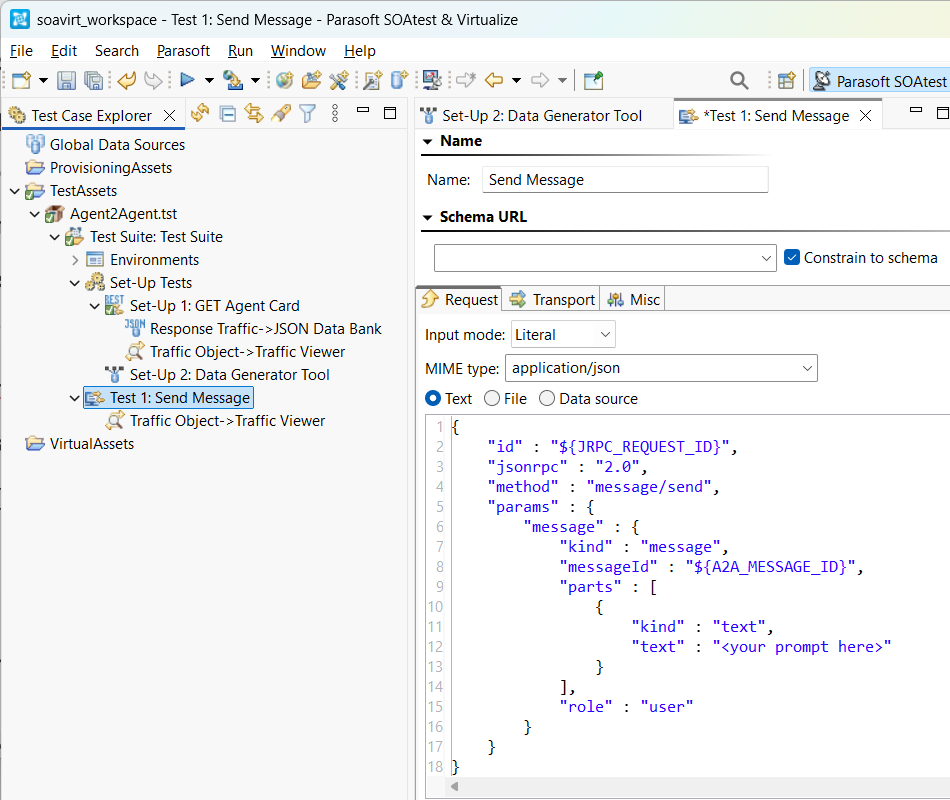
- Configure the message request. Change to Input mode: Literal and select MIME type: application/json. Paste in the following and configure your prompt to the agent:
{
    "id" : "${JRPC_REQUEST_ID}",
    "jsonrpc" : "2.0",
    "method" : "message/send",
    "params" : {
        "message" : {
            "kind" : "message",
            "messageId" : "${A2A_MESSAGE_ID}",
            "parts" : [
                {
                     "kind" : "text",
                     "text" : "<your prompt here>"
                }
            ],
            "role" : "user"
        }
    }
}
- Add a JSON Assertor to the Response Traffic to check for errors and assert that the result state is complete.
- To check for errors, add an Occurrence Assertion (under Structure Assertions) for XPath:
/root/errorand configure it so that Occurrences of element must be==expected value:[Fixed]0. This will fail the tests if there are any errors. - To assert that the result state is complete, add a Value Assertion for XPath:
/root/result/status/state/string()and configure it with Expected Value:[Fixed]completed. This will fail if the A2A server cannot complete the task, such as if more user input is required.
- To check for errors, add an Occurrence Assertion (under Structure Assertions) for XPath:
- Add a JSON Data Bank to the Response Traffic to extract the result text into a custom column named
RESULT_TEXT.- Use XPath:
/root/result[1]/artifacts[1]/item[1]/parts[1]/item[1]/text[1]/text()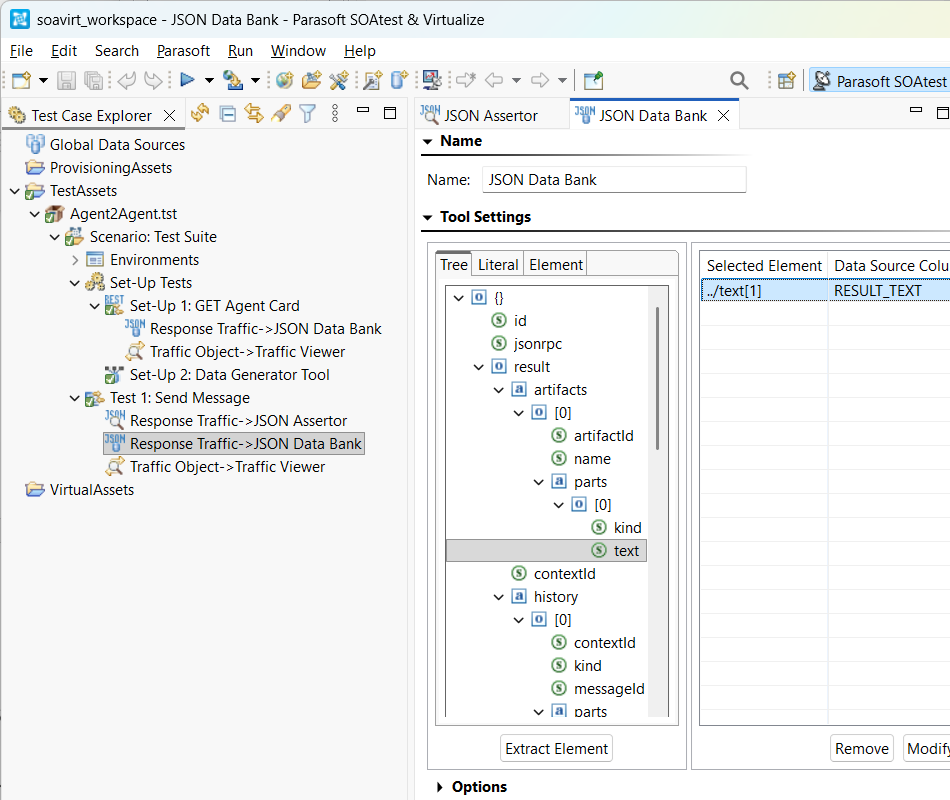
- Use XPath:
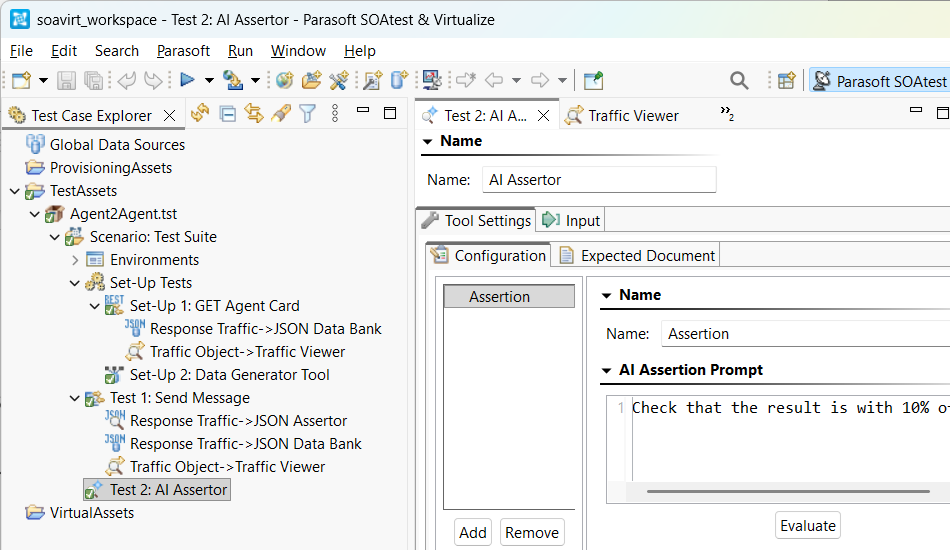
- Add an AI Assertor as a Standard Test after the Messaging Client. The AI Assertor in SOAtest will use its LLM integration to decide if the result text meets the acceptance criteria.
- The result text will be non-deterministic because it is AI-generated, so an AI Assertor is needed instead of a standard diff tool or XPath-based assertor.
- Configure the AI Assertor input to use Data source column:
RESULT_TEXT. - Add an assertion with a natural language prompt.