Click the Static Settings Analysis tab to configure your static analysis and flow-based analysis. Click Save to preserve any changes you make on this tab.
Advanced Settings
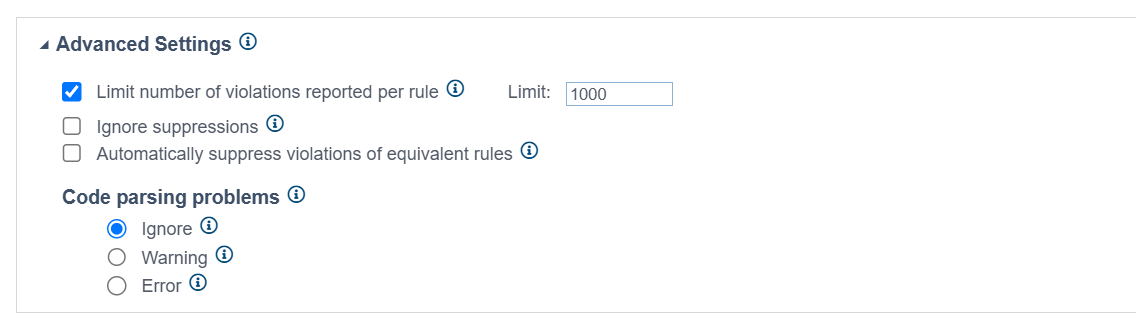
Expand the Advanced Settings section to configure the following options:
- Set an upper limit on the number of violations that can be reported for each rule.
- Enable or disable the Ignore suppressions option to specify if you want rule violations suppressed on the engine host to be reported. If enabled, all violations are reported, including suppressed violations. This option is disabled by default.
- Enable or disable the Automatically suppress violations of equivalent rules option. If enabled, violations will be automatically suppressed across a group of equivalent rules when any of these rules is suppressed at the point of violation. This option is disabled by default.
Select how code parsing problems should be handled. By default, they are ignored.
Flow Analysis Advanced Settings
Expand the Flow Analysis Advanced Settings section to configure settings related to performance, reporting verbosity, null-checking method parameterization, and resources checked.
See Configuring Flow Analysis for details.
