Click on the General Settings tab to view and edit the name and location of the test configuration. Click Save to preserve any changes you make on this tab.

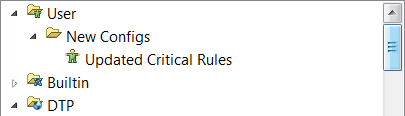
 Enter a name in the Folder field to change the location of the test configuration. Entering the name of an existing folder moves the test configuration to that location in the test configuration tree. If the name you specify doesn't exist, a new folder will be created and the test configuration moved into it. You can also nest folders by placing a forward slash (/) between folder names.