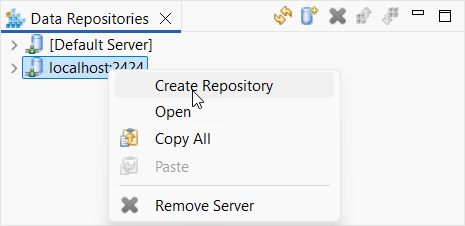
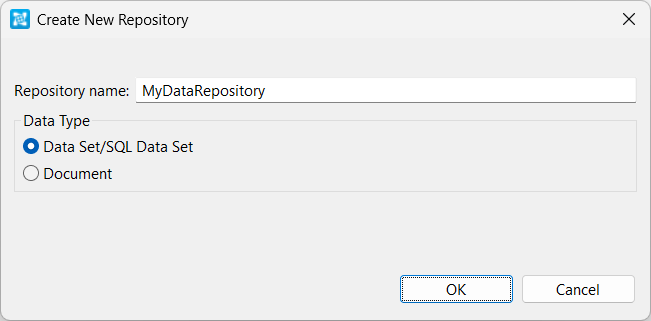
To add a new repository to one of the Data Repository Servers shown in your Data Repositories view:
A new empty repository will be added to the specified Data Repository Server. It will also appear in the Data Repositories view. You can populate the repository using the Generate Parameterized Messages wizard (SOAtest) or Generate Parameterized Messages wizard (Virtualize). You can also import data into it and/or manually define the structure and contents.