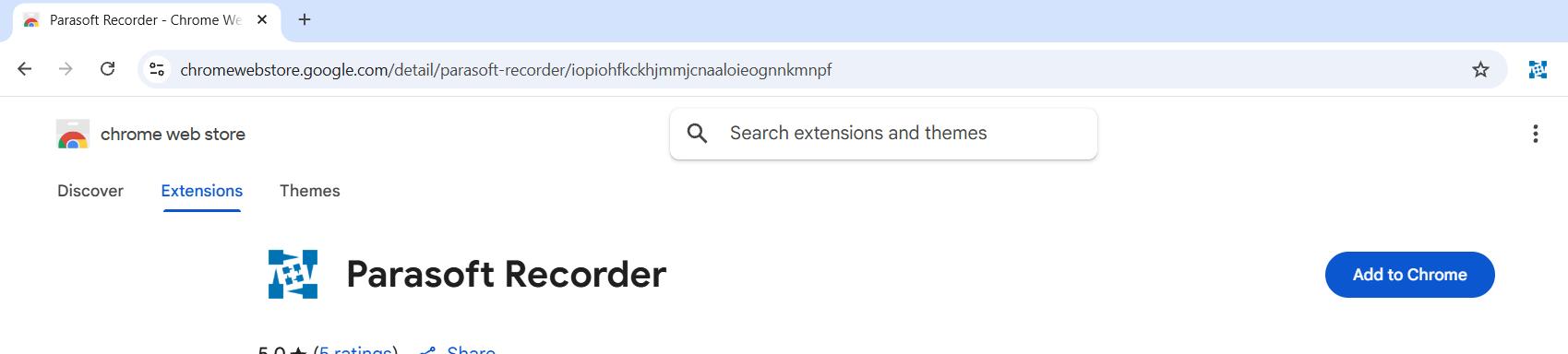
Parasoft Recorder is a Google Chrome extension that might not work on older versions of the browser; check your version against the requirements mentioned below. While it is free to download and use, you might still need a valid Selenic license to use what it records to create Selenium tests. Standard and manual installation procedures are described below.
Parasoft Recorder requires Google Chrome version 142+.
You can freely download and install Parasoft Recorder, but a valid license is required to use the Selenium test creation and management features in Parasoft Selenic. Contact your Parasoft representative for complete licensing information.
You can also install the Parasoft Recorder Chrome extension from the Chrome Web Store.