
Click the Static Analysis tab to enable/disable the static analysis rules the configuration uses. This page shows all the supported rules. Click Save to preserve any changes you make on this tab.
Enable or disable the Enable static analysis check box to enable/disable static and flow analysis.


There are several ways to find specific rules:

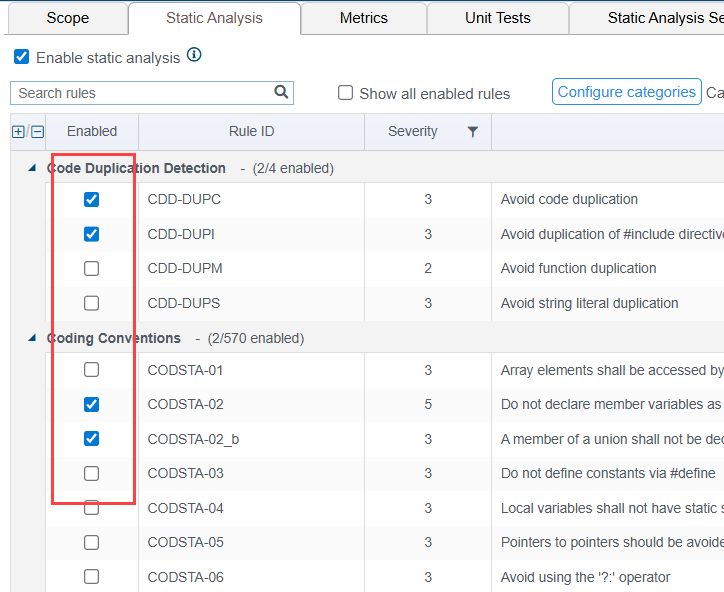
Rules are grouped by category. Expand a category and enable the rule to use it in the test configuration.
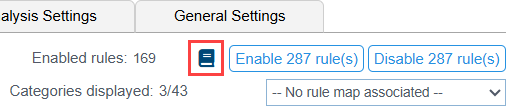
Click Enable [number] of rule(s) or Disable [number] of rule(s)to quickly enable or disable all rules in the configuration.

Click on a rule to open the documentation panel.
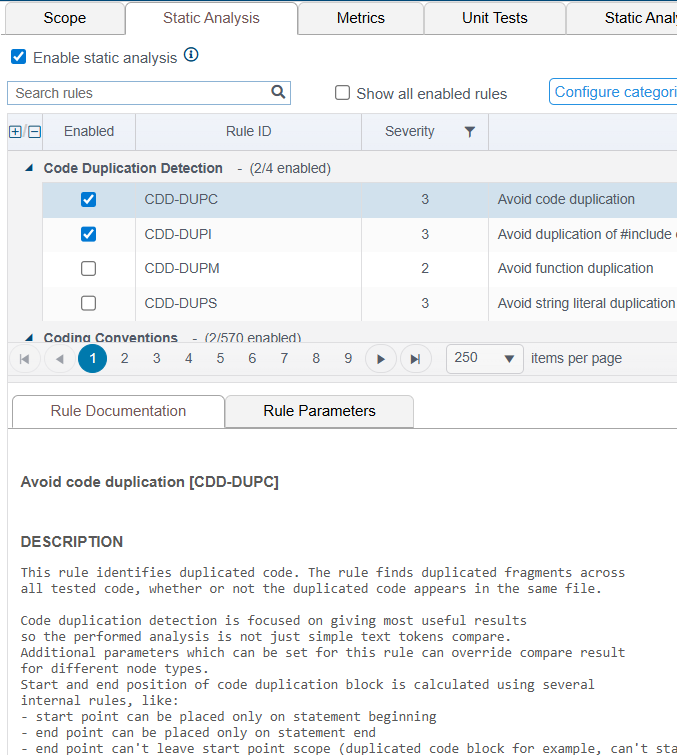
You can also open the rule documentation in new browser tab.

Click on the documentation icon to open all documentation for the enabled rules in a new browser tab.
If the rule can be configured, parameters can be set in the rule options panel. Click on a rule and click the Rule Parameters tab to configure the rule. The options available are specific to each rule.
