Add the Attachments Tool as an output to a messaging tool (right-click > Add Output). It is available in Request > Traffic or Request > SOAP Envelope for message clients or Outgoing Response > Payload for message responders.
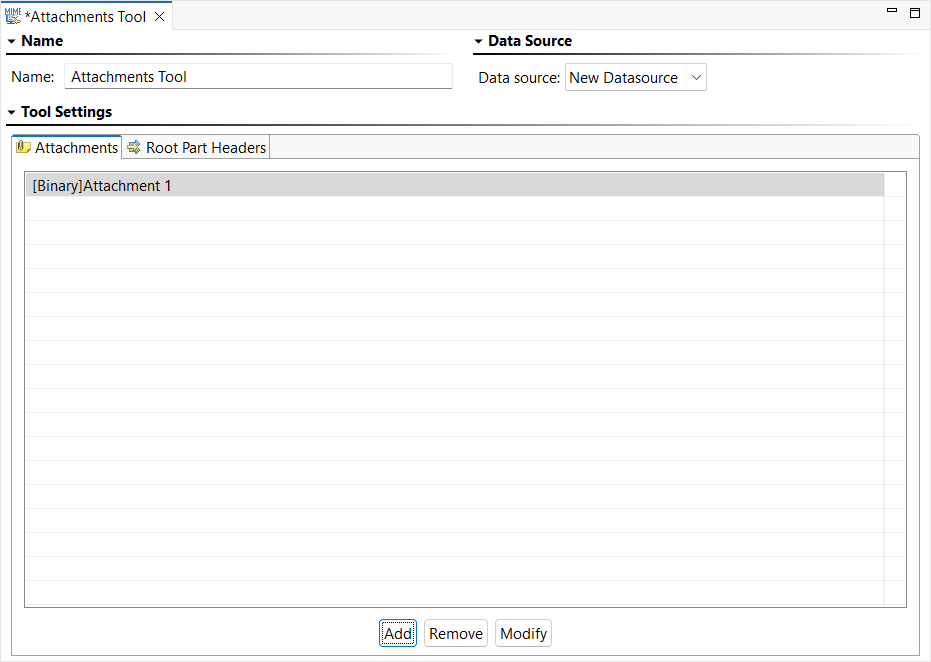
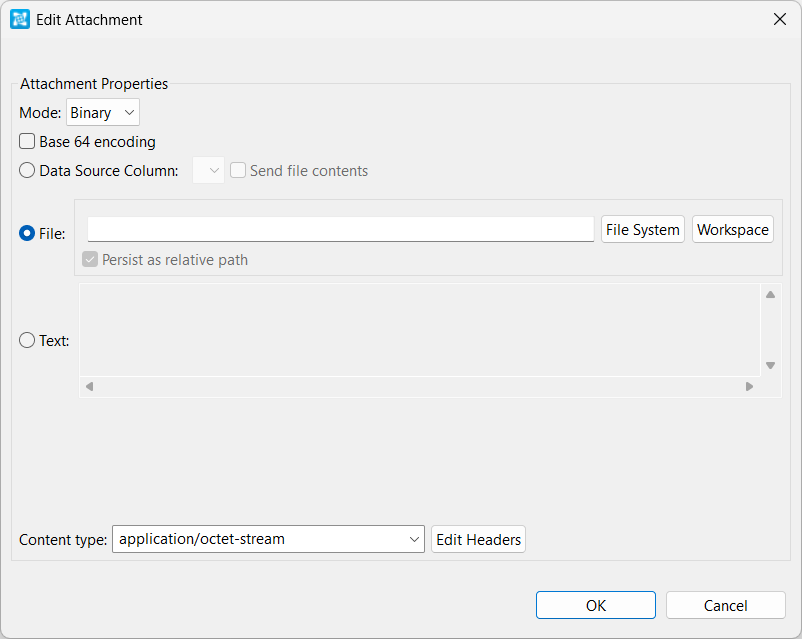
- The following options are available for Binary Mode:
- Base 64 Encoding: Enables Base64 Encoding to encode the binary value.
- Data Source Column: Select to send values from a data source column.
- File: Select to send values from a file. Choose the desired file by clicking Browse. Enable Persist as Relative Path if you want the path to this file to be saved as a path that is relative to the current configuration file.
- Text: Select to send a text value.
- Content type: Specify the content type. Click Edit Headers if you want to add, modify, or delete attachment headers.
- The following option is available for XML Mode:
- Input mode: Select the desired input mode from this menu and configure accordingly. Options are Literal XML, Form XML, Scripted XML, and Form Input. See Input Modes for more information about using these input modes.