...
- Track PVA/responder usage levels and patterns from different groups/divisions over time.
- Assess how close you are to reaching the licensed number of hits.
- Determine how Virtualize response times influence your performance testing results.
- See how often message proxies fail over to secondary connections.
Viewing Daily Hit Count Snapshots
...
- Open the Service Virtualization module and click the Reports tab
- Click on Hit Statistics in the sidebar.
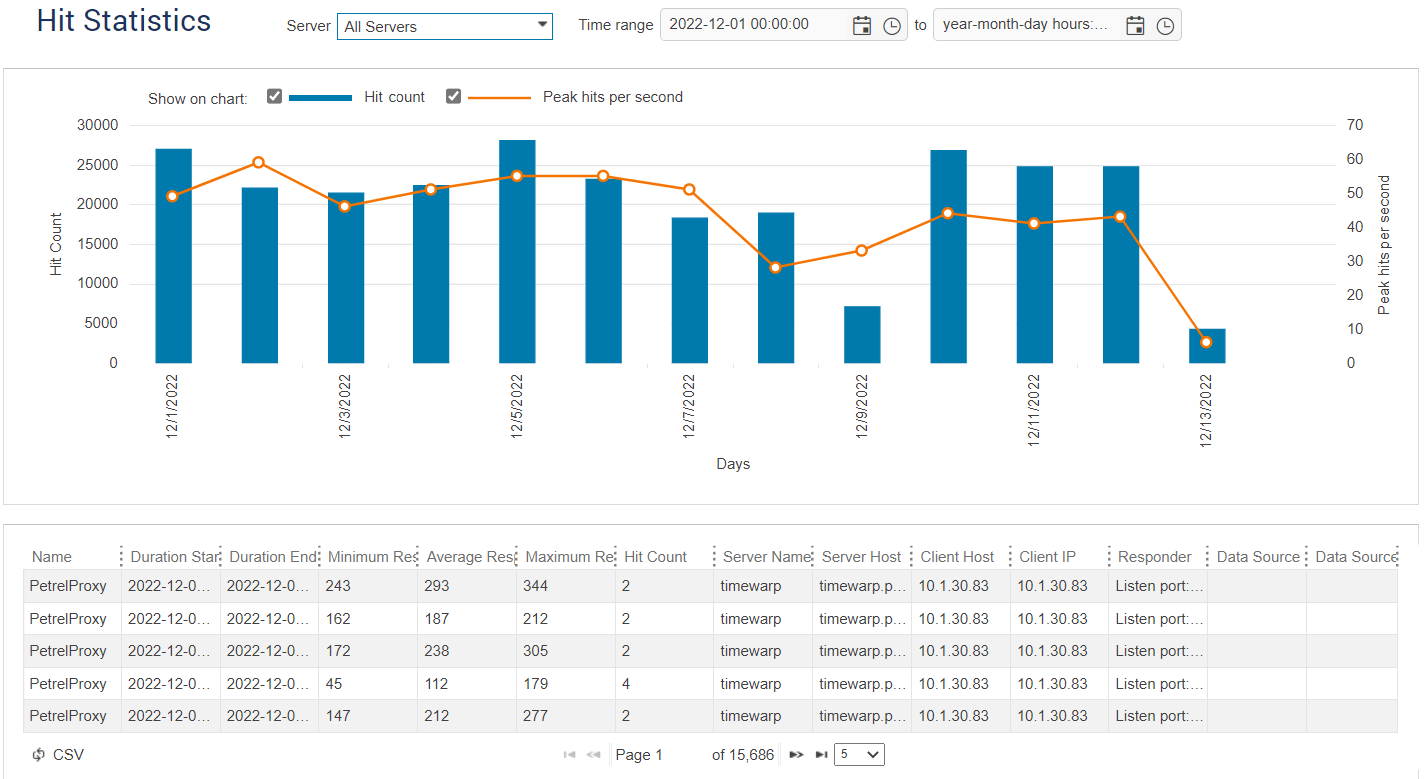
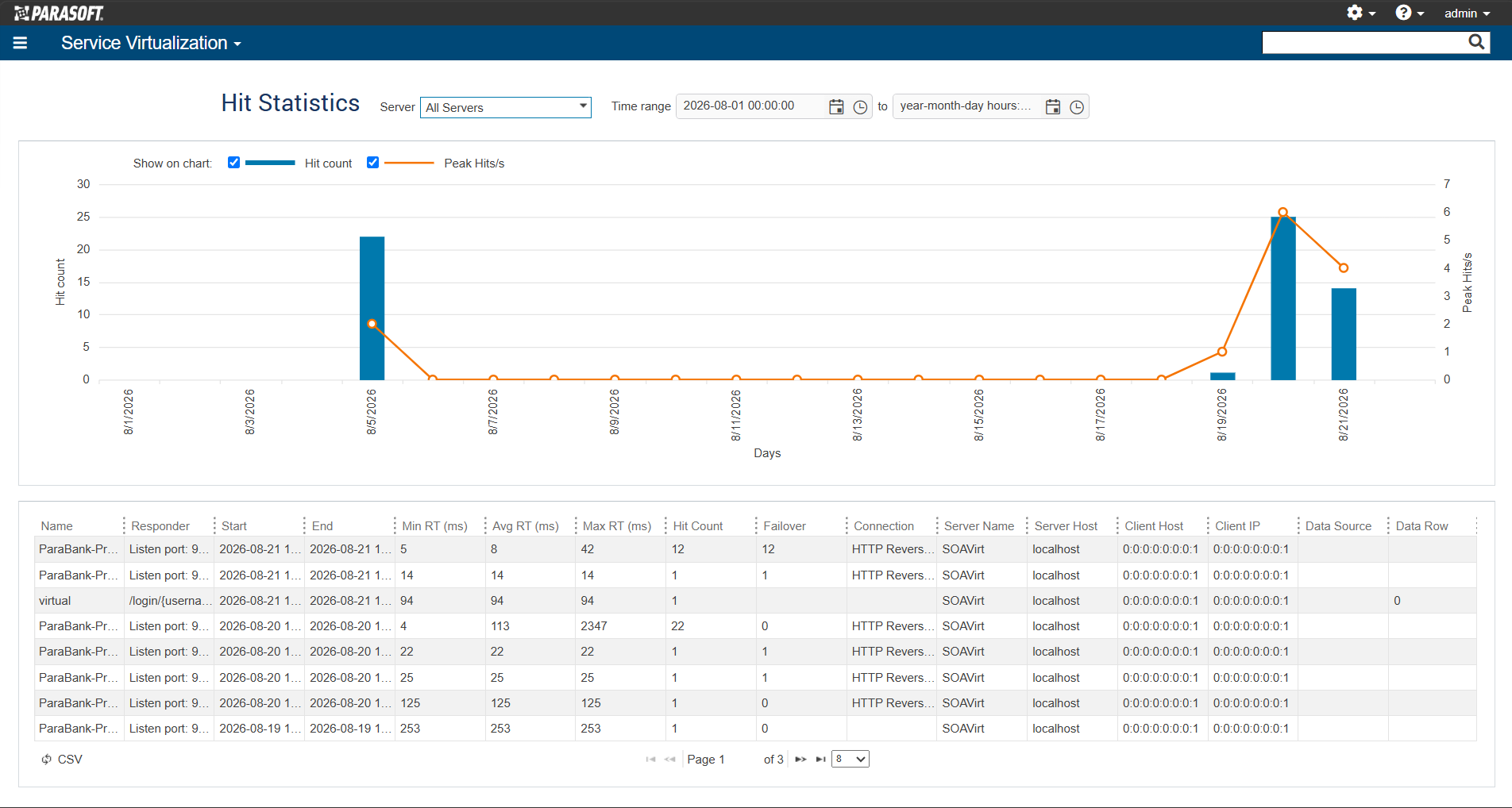
You can filter the data shown (and included in CSV exports) using the Server and Time range controls at the top of the page. Additionally, you can control whether Hit count, Peak hits per second, or both (default) are shown on the chart by enabling those options (note that one must be enabled, so if one is disabled and you attempt to disable the other, the first option will be automatically enabled).
...