...
Your group can deploy any number of Data Repository Servers. Each Data Repository Server hosts any number of repositories. A repository can be populated by importing data from an existing data source or document repository; you can also manually define, extend, and edit it using the graphical graphical Data Repositories View and Data Editor.
...
You can download the Data Repository server from the Parasoft customer portal. This allows you to quickly create parameterized assets for use on your local system.
Additionally, a remote Data Repository Server can be installed on any systemssystem; a remote server it does not need to be installed on a system where you have Parasoft Virtualize or Parasoft SOAtest installed. This server can be shared across teams or divisions.
...
A repository data source is a "wrapper" for the repository data source that allows you to consume it repository data in Parasoft messaging tools in the same way you would consume data from an Excel data sheet, CSV file, or other supported data source. Through the data source wrapperit, you can segment what repository data you want to use for a given suite (for instance, only certain rows). You can also create "data groups." With data groups, you can by specifying a range of rows or creating data groups that allow you to group similar sets of data (such as development environment test data and load/performance test data) , then and easily switch which data set is used at any given time between them without having to edit the tool or data source configurations. You can also build a document-based data source with a custom script to utilize MongoDB document style data.
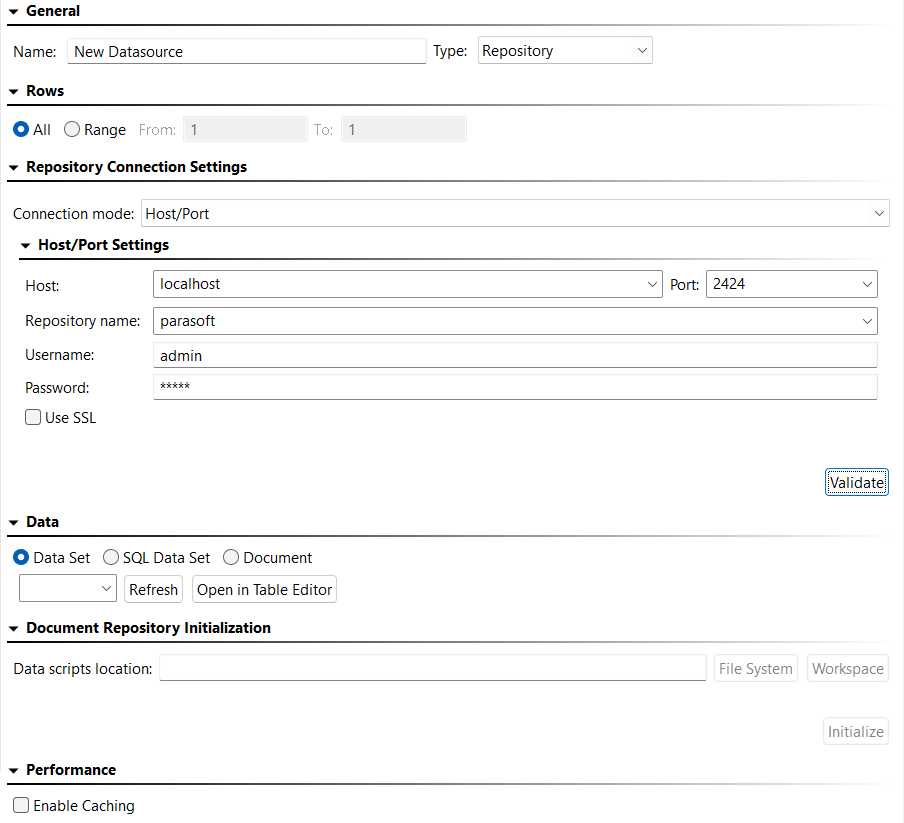
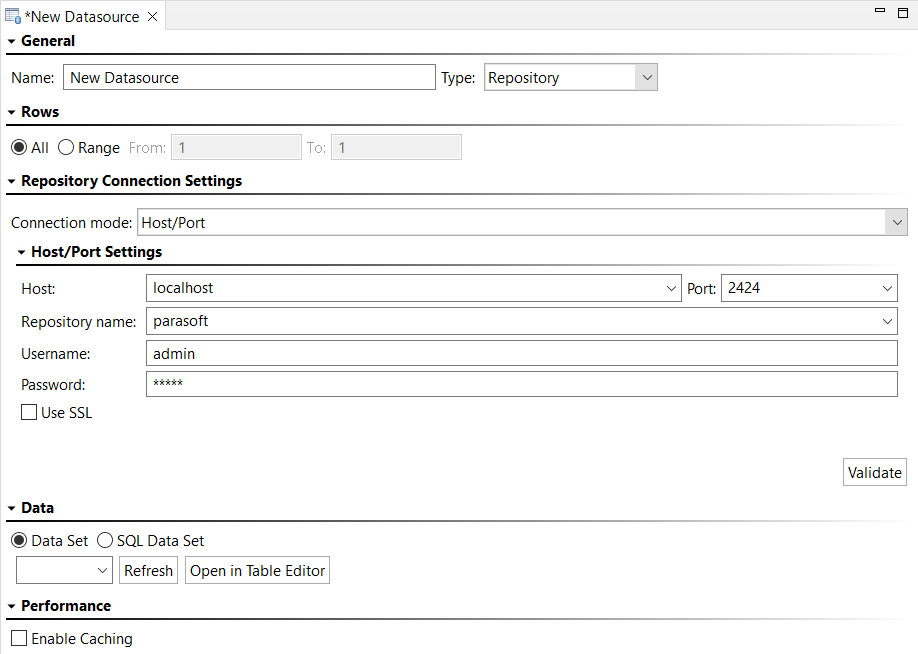
| Anchor | ||||
|---|---|---|---|---|
|
...