...
- The number of virtual assets and proxies on a server
- The systems and environments associated with virtual assets
- Coverage agent usage
- Virtual asset response times
- Virtual asset hits
- How often message proxies fail over to secondary connections
To access the asset utilization report, open the Service Virtualization module's Reports tab and click Utilization Report.
...
Mouse over a point in the graph to open a tooltip with details.
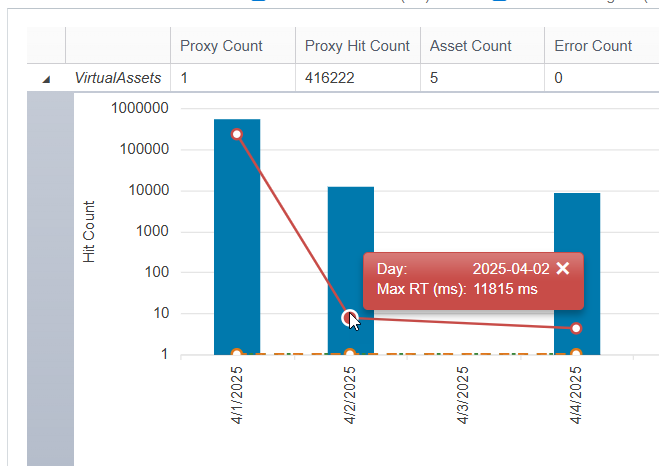
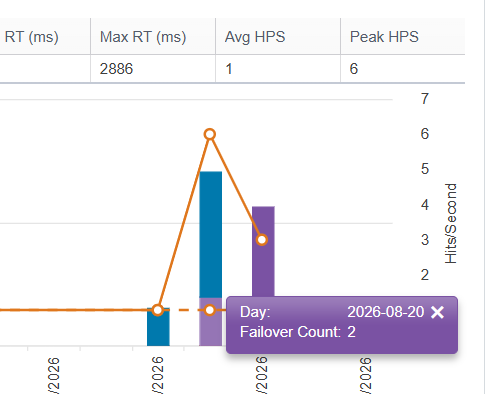
Details Table
The details table provides details on the individual items (virtual assets, systems, environments, coverage agents, folders in the VirtualAssets project in Virtualize, or Virtualize Servers) within the category you’ve set as the report focus. For instance, if you are focusing on systems, the details table will report virtual asset usage metrics for each system available on this installation of CTP.
...