...
- Log in to your WebSphere Application Server’s Integrated Solutions Console.
- Open Resources > JDBC and click JDBC Providers.
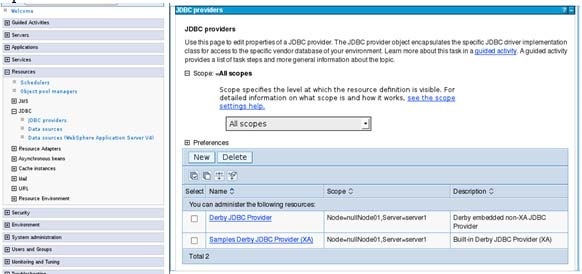
- Choose Node > Server scope (the 3rd option) and click New.

- Complete the Create New JDBC Driver screen and click Next.
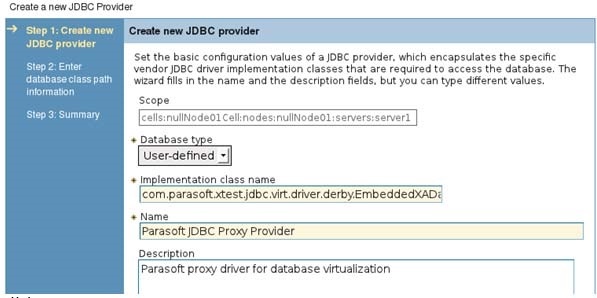
- Database type: Choose User-defined.
- Implementation class name: Specify one of the values that are available (this depends on the database vendor JDBC driver currently in use). See JDBC Driver Data Source Implementation Classes for details.
- Name: Enter any name you want to assign this Parasoft JDBC Driver.
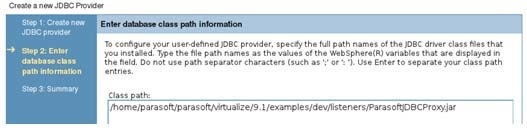
- In the Enter database class path information screen, enter the path to the location to where you placed the Parasoft JDBC Driver jar file.
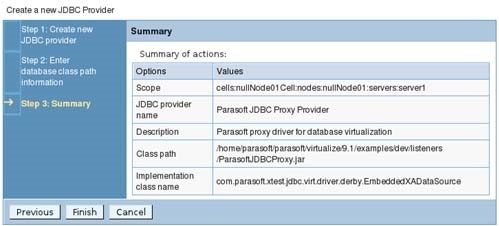
- Complete the Summary screen by clicking Finish.
...