...
The result set files will appear in the Parameter Criteria table.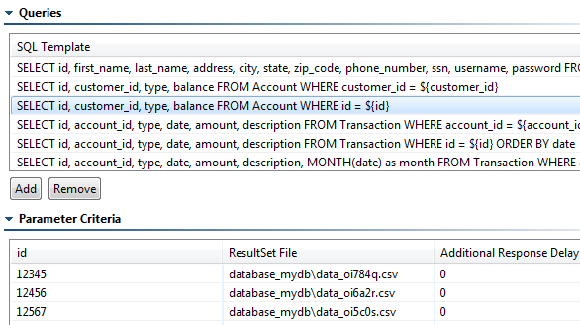
To edit the SQL templates, use the controls in the Queries panel. You can add or remove entries as needed.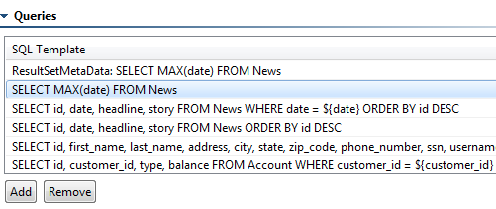
To edit result sets and parameter criteria, first select the correlated query. The name of the associated CSV file will then appear in the Parameter Criteria area. These CSV files are stored in the location specified in the SQL Responder's Recorded data location field (by default, in the database_recorded_data folder inside the VirtualAssets project, though it may have been customized when the SQL Responder was created). To edit the result set values, edit those CSV files.
...