...
- Right-click on a test suite and choose Add New > Test....
- Choose a test type (standard, set-up, or tear-down) and choose OpenAPI/Swagger Validator.
- Click Finish and specify the URL or path to the definition file you want to validate in the OpenAPI/Swagger Definition URL field.
- Rename your test (optional) and save your changes.
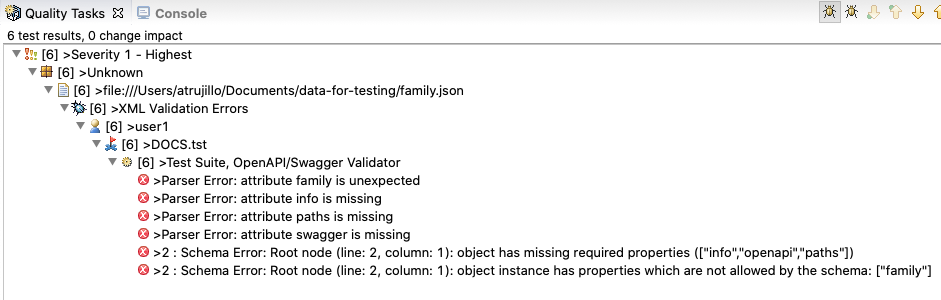
If the definition file contains errors, they will be reported in the Quality Tasks view, as well as in the report.